How to Find TikTok Filters That Go Viral – Top Tools and Tips for 2025
How to find TikTok filters has become one of the most frequently searched questions among creators trying to tap into the platform’s viral potential. But what if the secret to explosive growth was hiding in plain sight – inside your filter tray?
Have you ever wondered why some TikTok videos blow up overnight while others fall flat? The answer often lies not just in content, but in filters and effects that align with trends, audience psychology, and algorithm behavior. From whimsical distortions to polished beauty tweaks, the right filter can make or break your video’s chances of going viral.
Before we dive deep into TikTok’s feature-packed effect gallery, check out this must-read on 15 Proven TikTok Hook Ideas to combine compelling intros with stunning visuals. Now let’s unpack how filters work and how you can wield them for maximum results.
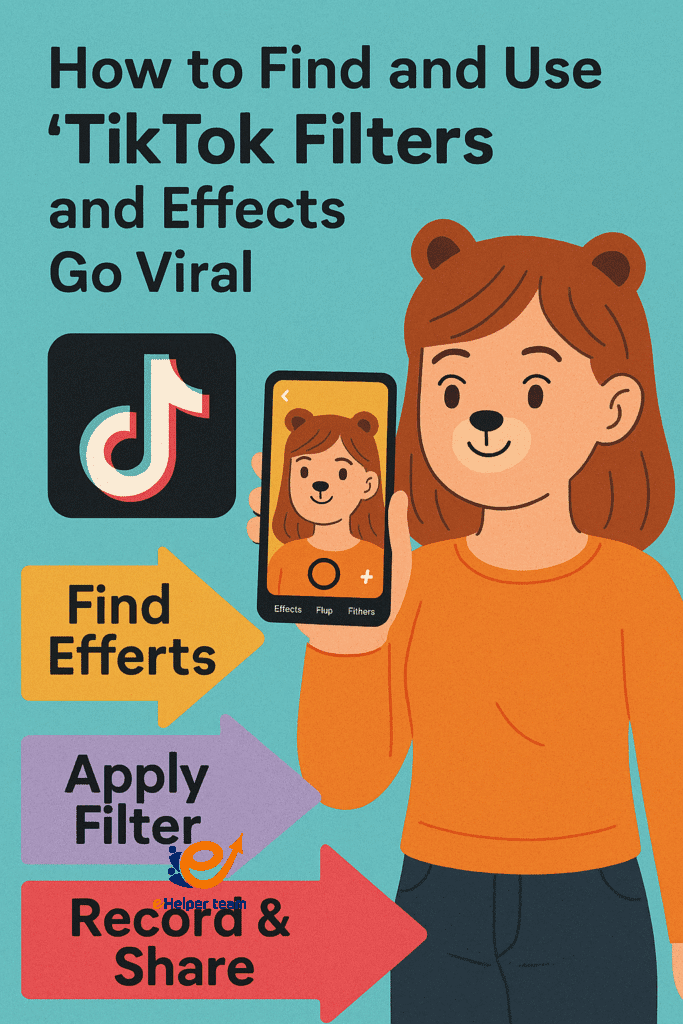


What Are TikTok Filters and Why They Matter in 2025
TikTok filters and effects are visual tools layered over your video to enhance its look, mood, or message. These range from color adjustments and beautifying options to AR (augmented reality) overlays and interactive animations.
1.Types of TikTok Effects
Basic Filters: Change tone, lighting, and sharpness.
AR Effects: Add interactive elements like face masks or 3D objects.
Trending Filters: Created by TikTok or the community, usually viral and featured in challenges.
Filters shape how viewers perceive your content. A bright, vibrant filter can make even an average clip stand out in the feed, while an AR effect adds novelty, increasing viewer retention.
The Easiest Ways to Start Using TikTok Filters
Whether you’re new to the platform or a seasoned creator, knowing how to find TikTok filters is essential. Here’s a simple walkthrough.
1.Step-by-Step: How to Find TikTok Filters
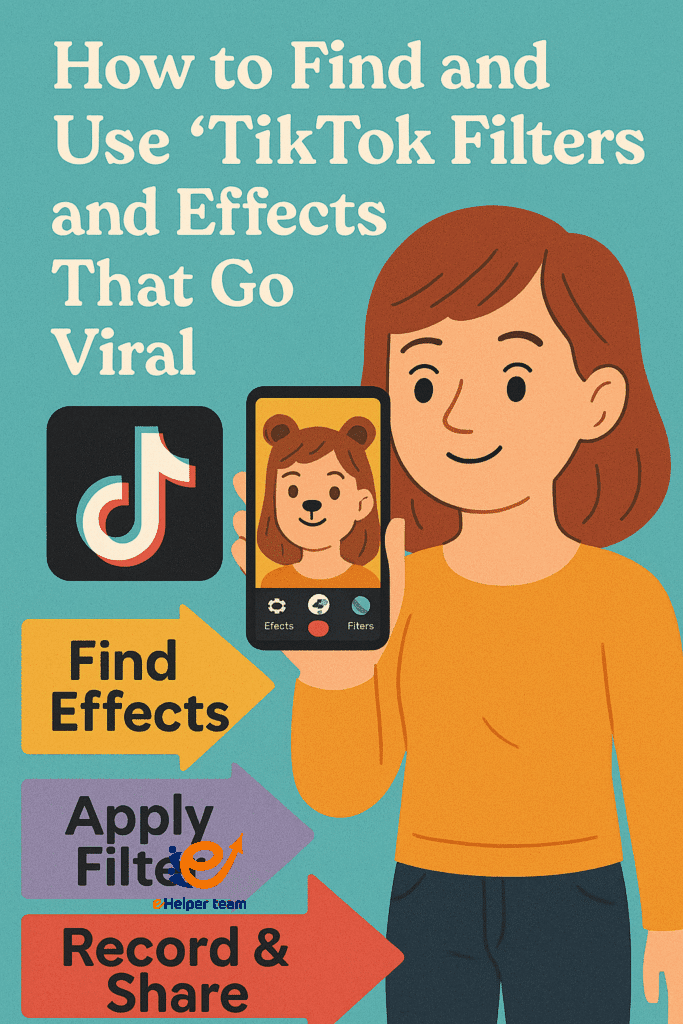
Open TikTok and tap the “+” to start recording.
Tap Effects on the left side of the screen.
Browse or search using keywords like “vintage”, “3D”, or “trending”.
2.Using Filters While Recording
Preview the effect before shooting.
Tap on the star to save your favorite effects.
Mix filters with music and camera speed to maximize creativity.
By mastering this basic skill, you unlock a toolbox of creative elements to elevate your content.
3.Browsing the Effect Gallery Like a Pro
TikTok’s Effect Gallery is a goldmine if you know where to look. Use the search bar or explore tabs like “Trending”, “New”, or “Funny”.
4.Viral Filters of the Week
Each week, some effects trend organically due to challenges, celebrity use, or algorithm promotion. Keeping up with these is crucial.
Pro Tips:
Bookmark the “Trending” tab in your effects tray.
Follow popular effect creators – they often post viral-ready filters before they explode.
Knowing how to browse effectively is the first step toward discovering filters before they saturate the platform.
Saving Effects for Later Use
Once you find a killer effect, don’t lose it.
How to Save TikTok Filters
Tap the bookmark icon below the filter.
Access saved effects from the “Favorites” tab anytime you’re ready to shoot.
This feature is especially helpful when planning content in batches or revisiting concepts.
Creating Your Own Filter Using TikTok’s Effect House
Ready to go beyond just using filters? You can create your own using TikTok’s Effect House.
What Is Effect House?
Effect House is TikTok’s AR creation platform. It lets designers craft filters using code or visual tools.
Basic Guide to Creating Filters:
Download Effect House from TikTok’s official website.
Use the drag-and-drop interface or scripts to design effects.
Submit your effect for review and approval.
Creating custom filters helps in branding, adds originality, and positions you as an innovator on the platform.
Best Practices to Go Viral with Filters
Pairing the right filter with trending content is where the magic happens.
Use Filters with Trending Sounds
Using this guide helps you sync visuals and audio seamlessly. TikTok’s algorithm prioritizes synergy between the two.
Strategic Hook Placement
Start strong. The first 3 seconds matter most. Learn how to apply visual effects with powerful hooks for retention and viral reach.
How to Find TikTok Filters That Match Trending Sounds
Matching filters to current sounds and trends is a game-changer.
Search by sound or challenge hashtags
Observe top-performing videos in the Discover feed
Adapt filters to suit different music tones (e.g., upbeat vs. moody)
Understanding trends helps tailor your visual style to what’s currently resonating on the platform.
Common Mistakes to Avoid When Using TikTok Filters
Even with the best intentions, misusing filters can hurt your reach.
Don’t Overdo It
Overuse makes content look gimmicky or unnatural.
Avoid Poor Resolution Effects
Stick to high-quality filters that won’t pixelate or lag.
Stay True to Your Brand
Trendy doesn’t always mean relevant. Align visuals with your message and audience.
Real Case Study: A Small Brand That Went Viral Using Filters
A boutique candle company on TikTok used a custom filter showcasing flickering flame overlays during their product demos. Paired with an original jingle, the video hit 1.2 million views in 48 hours.
Key Tactics:
Original filter created with Effect House
Consistent branding across posts
Influencer collaboration for extra reach
How to Boost Watch Time with Strategic Filters
Retention is everything on TikTok. Here’s how to use filters to keep viewers watching:
Gradually introduce visual layers
Trigger curiosity using interactive AR effects
Create visual “clues” that only reveal near the end
These tips align well with this watch time strategy guide.
Best TikTok Video Lengths When Using Filters
Filter effects behave differently depending on your video’s duration. Discover the ideal time window for each effect type in this data-backed analysis.
Short (0–15s): Best for visual gags and quick transitions
Medium (16–30s): Ideal for storytelling
Long (30s+): Suitable for step-by-step tutorials using filters
How TikTok Filters Influence Brand Perception
Filters aren’t just cosmetic—they’re emotional cues.
Warm tones = trust and comfort
Cool tones = tech-savvy and innovation
Cartoon styles = fun and playful
Well-selected filters signal brand personality and improve recall, especially for visual learners.
Bonus Strategies for TikTok Success
Comparison: TikTok Filters vs Instagram Reels Filters
| Feature | TikTok Filters | Instagram Filters |
|---|---|---|
| Effect Variety | Wider and more diverse | More limited |
| Interactivity | High (AR facial effects gestures) | Medium |
| Custom Creation Tools | Effect House | Spark AR Studio |
| Viral Momentum | Frequently turns into global trends | Less viral |
| Discovery and Navigation | Easy via sections and search | Less intuitive |
If you are creating content on both platforms, focus on TikTok for interactive storytelling and Instagram for polished visual branding.
Marketing Tactics Using Filters for Different Audiences
For small business owners
Create a simple filter featuring your brand colors or logo
Launch a mini challenge using your product and the filter
For influencers
Encourage followers to use your custom filter with a trending sound
Offer a shoutout or small giveaway for the most creative use
For digital marketers
Collect insights from filter performance including shares and watch time
Use those insights to adjust future ad creatives or organic content
Mini Course Outline How to Create Your First Filter in 7 Days
Day 1 to 2
Download Effect House and watch official tutorials
Day 3 to 4
Use templates to build a basic effect with minimal coding
Day 5
Test your filter privately with friends to collect feedback
Day 6
Submit your filter for TikTok review
Day 7
Publish a TikTok showing how to use the filter in a creative way
This plan helps you get started even with no design background
Performance Insight
According to data from TikTok’s Creative Center videos using a well-matched filter in the first three seconds are 43 percent more likely to be fully watched to the end
Recommended Resources and Video Guides
How to Use Effect House for Beginners – YouTube.
Top 5 TikTok Filters That Drive Views – YouTube Creators Academy.
Analyzing Viral Filters Using TikTok Analytics – Data Creators Hub.
FAQs About TikTok Filters and Effects
Q1: Can I use TikTok filters on existing videos?
No, filters can only be applied during recording or immediately after within the TikTok app.
Q2: Why can’t I find a filter I saw on someone else’s video?
It may be region-specific or expired from the trending gallery.
Q3: Do filters affect video performance in the algorithm?
Yes. Trending filters have higher visibility rates and influence watch time.
Q4: Is Effect House free to use?
Yes, it’s completely free and designed for creators of all skill levels.
Q5: How how to find tiktok filters often does TikTok update its effect gallery?
Updates happen weekly with fresh additions and removals based on trends.
Final Thoughts – Ready to Transform Your TikTok Game
Now that you know how to find TikTok filters and use them like a pro, it’s time to act. Whether you’re browsing the effect gallery, saving your favorites, or building your own filters from scratch, you have the tools to stand out and thrive.
Your next viral hit might be one filter away. Start exploring now and stay ahead of the trends. Want more TikTok growth insights? Bookmark our Social Media Marketing section for expert updates weekly.


